
Stop reading logs in Console.
TailBeat UI shows what your agents' TailBeat tools are capturing, live, and narrows any log to the lines you need. On your Mac, in the Simulator, on your iPhone.
v2.0.0 · 7-day free trial · €99 once · macOS 26 or later
Every running TailBeat, in one list.
Claude Code starts one per session, Cursor one per window. Watch any of them live, or stop it.
Pick your app. Everything else disappears.
Pick your app, add level:error, and the system log collapses to your lines.
Type what you're looking for.
Plain words, quoted phrases and field filters. OR, NOT and parentheses when you need them.
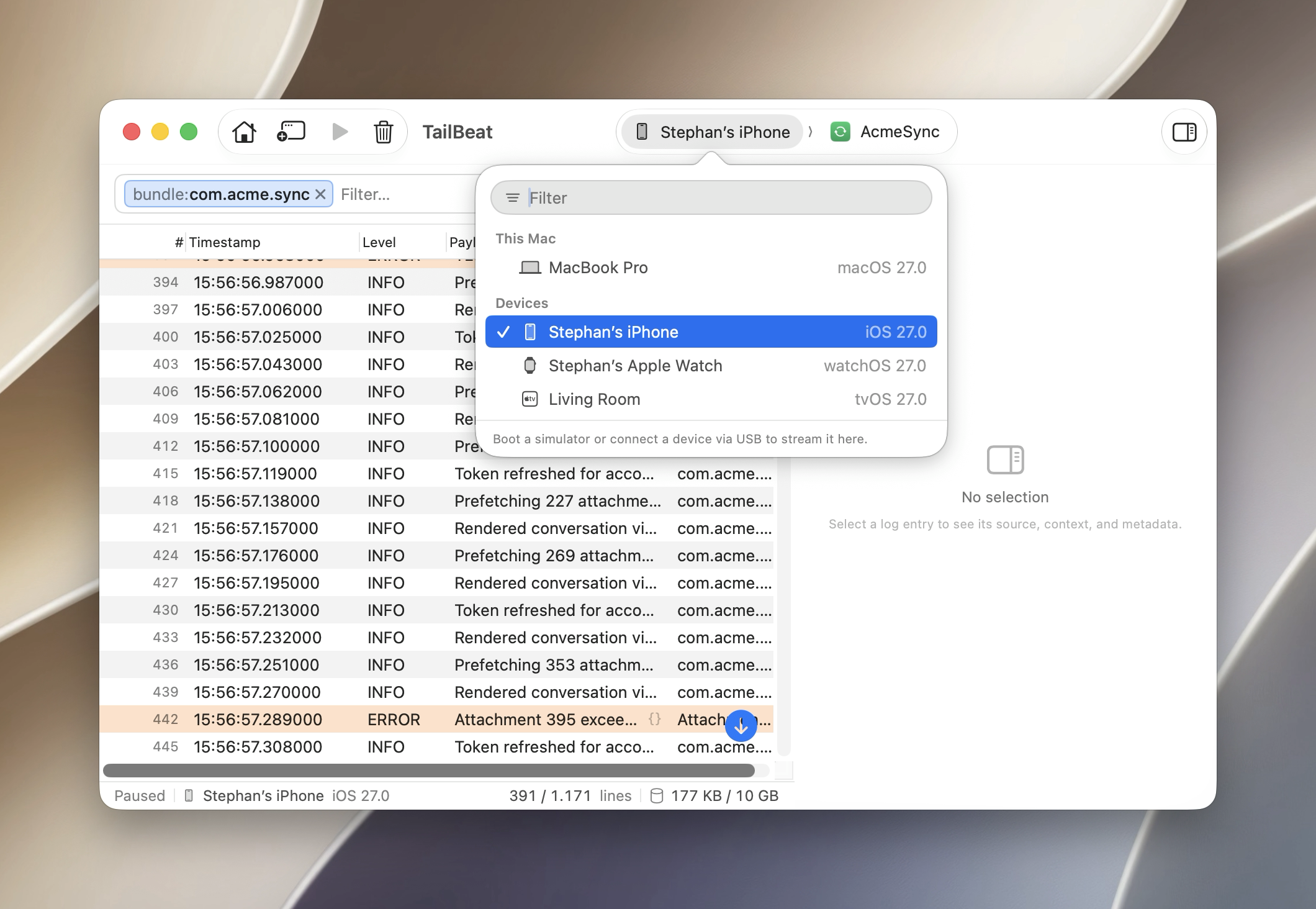
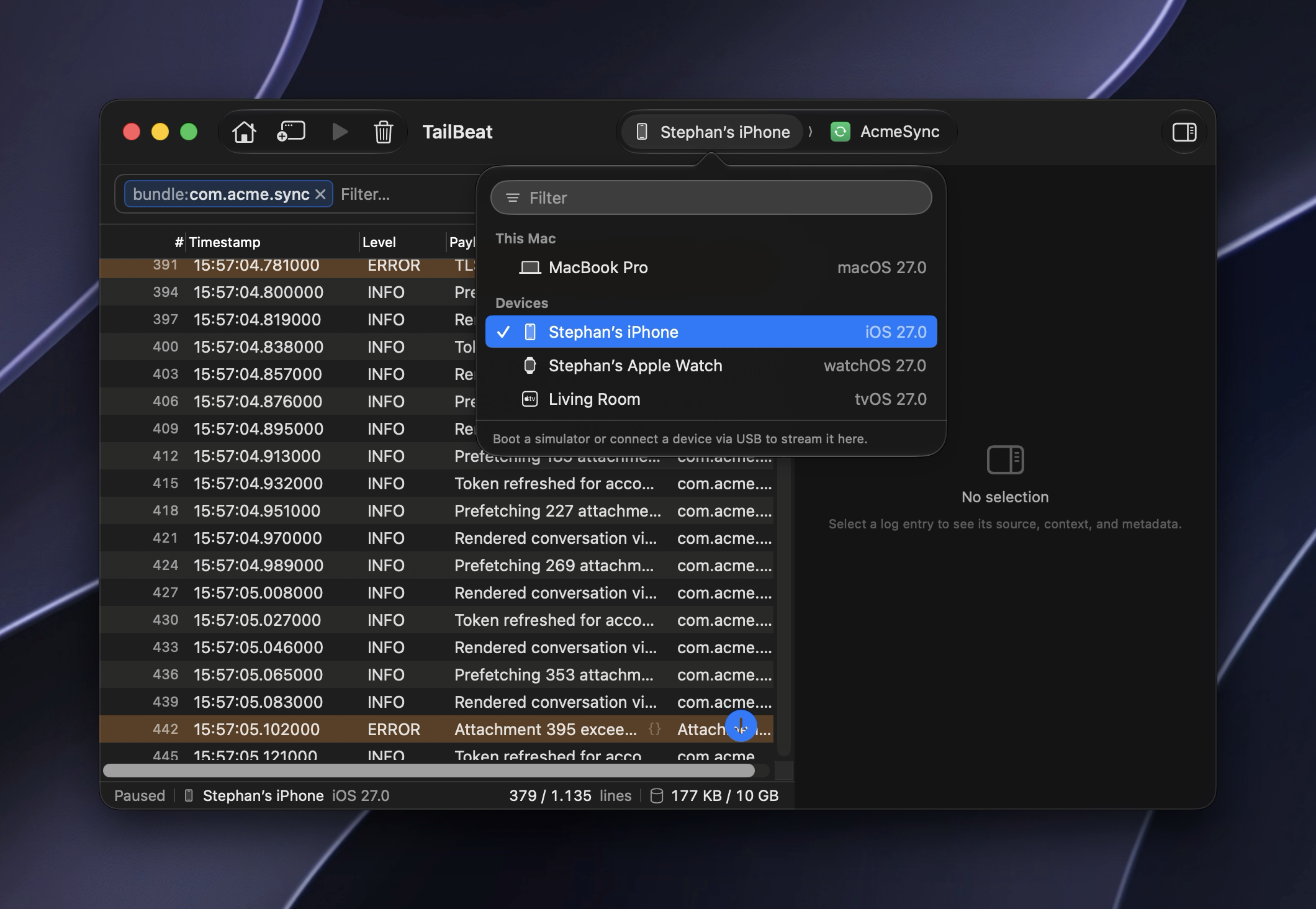
Mac, Simulator, iPhone.
It also captures on its own: this Mac, a booted Simulator, an iPhone or iPad on USB, a saved .logarchive.
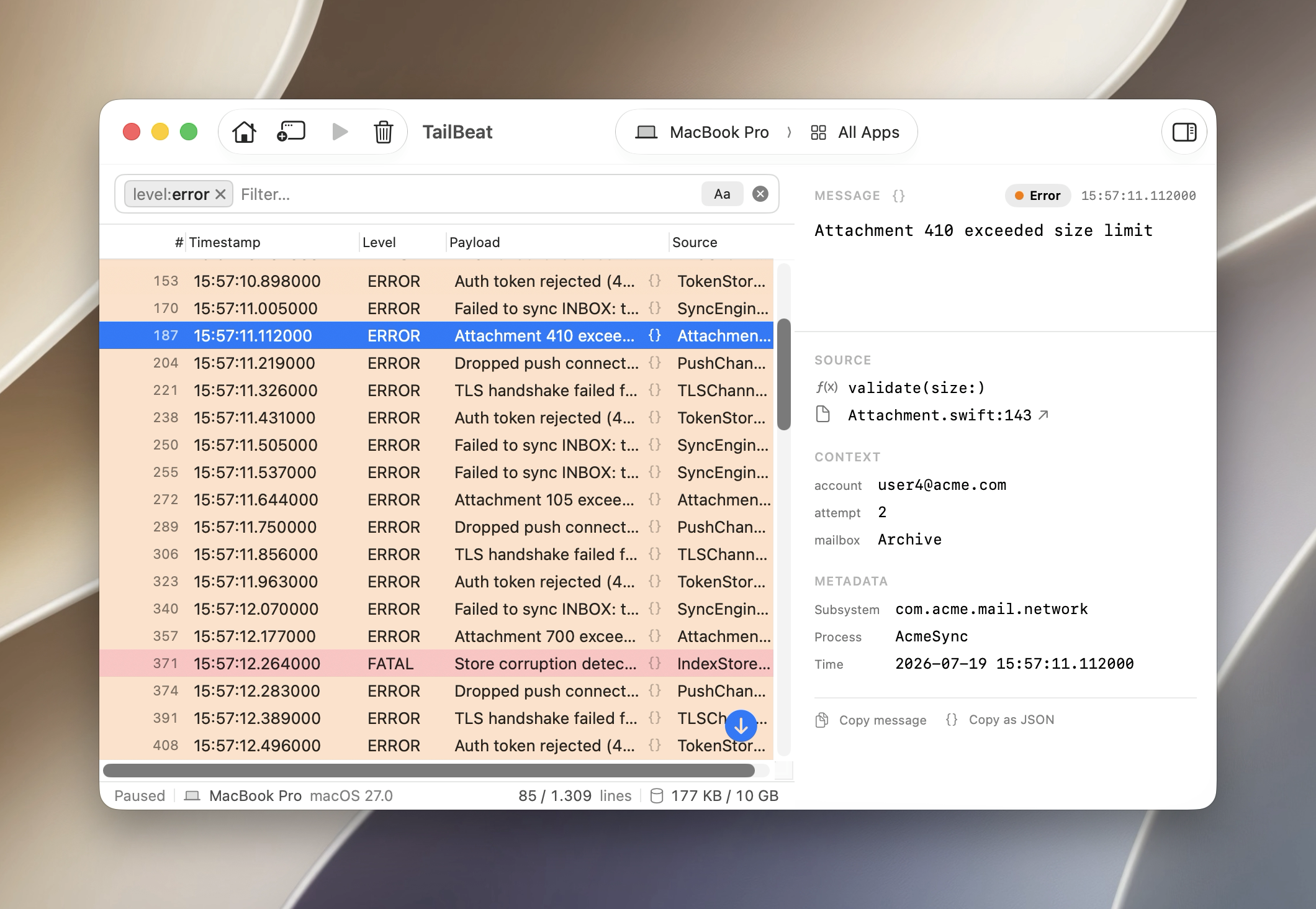
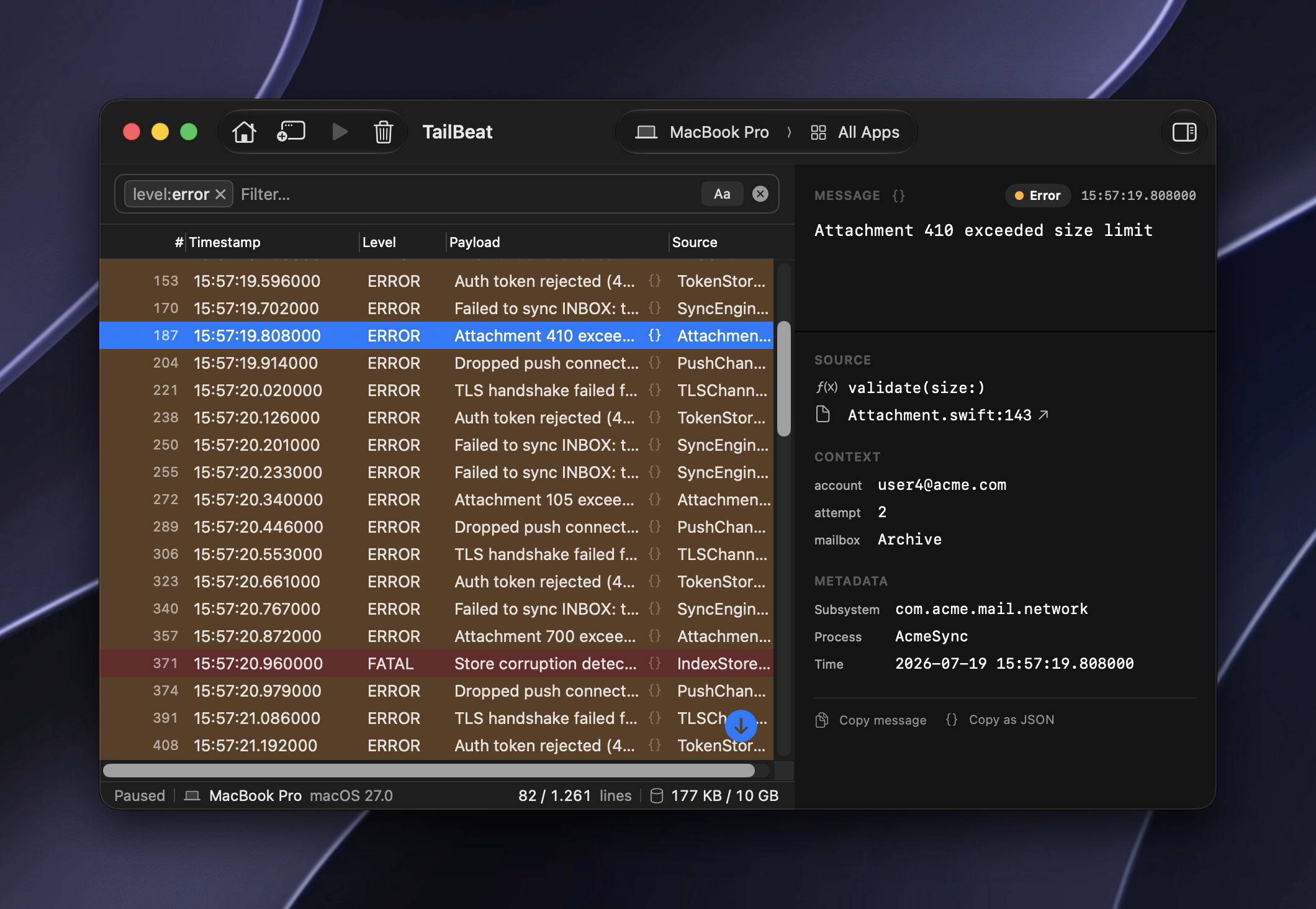
Every line points back to your code.
Lines logged through TailBeatKit carry file, function and line. For a debug build on this Mac, a click opens the line in Xcode.
€99, once.
Try it free for 7 days first.
The TailBeat tool
The command-line tool and MCP server that lets Claude Code, Cursor and other agents read your app's logs themselves.